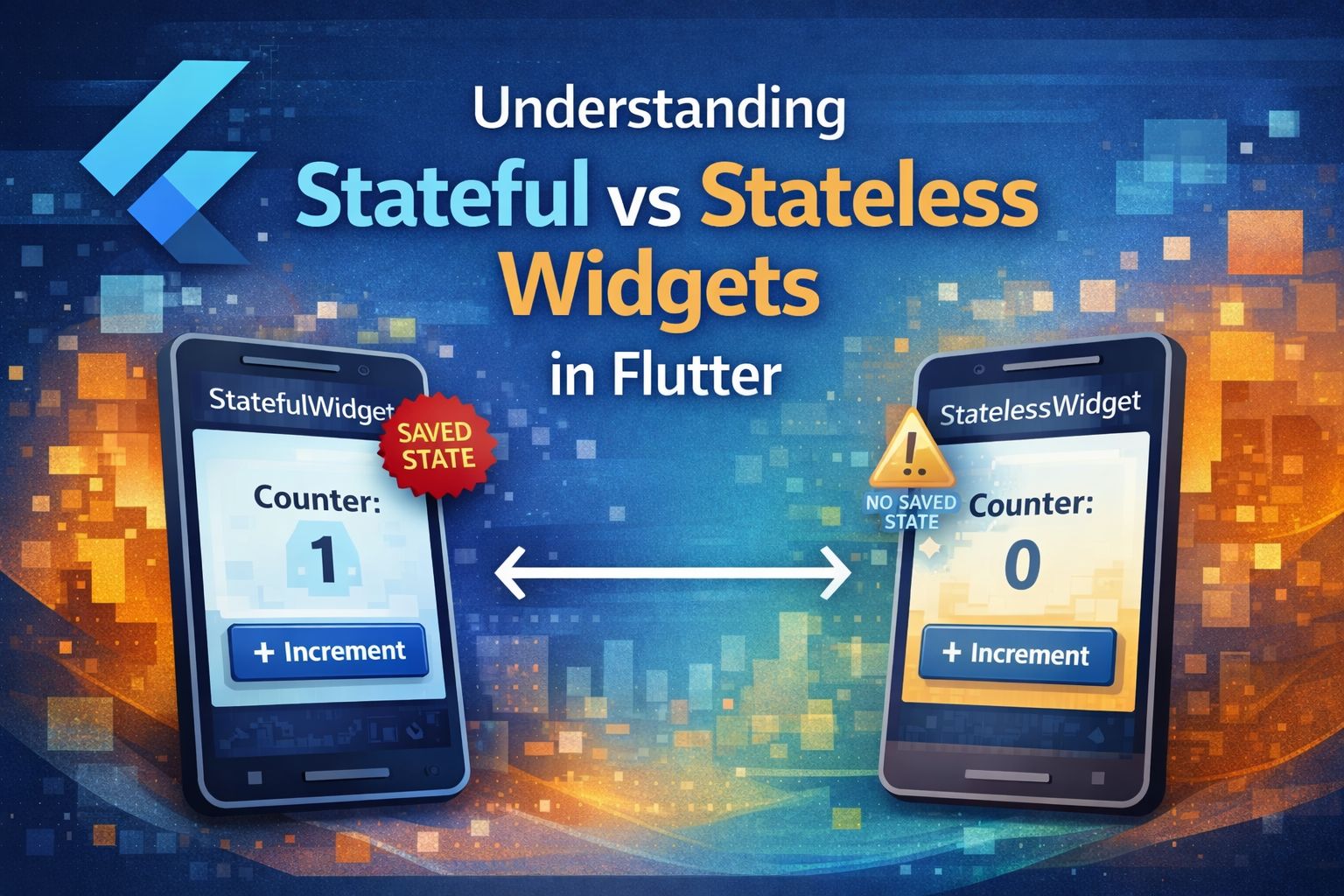
In Flutter, everything is a widget from layouts and text to buttons and containers. But not all widgets behave the same way. The two core types you’ll encounter are Stateless and Stateful widgets. Understanding their differences is essential to writing efficient and maintainable Flutter apps.
🧱 Stateless Widgets
A StatelessWidget is immutable once it’s built, it cannot change during its lifetime. It only depends on the data passed to it during creation.
Example:
class Greeting extends StatelessWidget {
  final String name;

  const Greeting({super.key, required this.name});

  @override
  Widget build(BuildContext context) {
    return Text('Hello, $name!');
  }
}
In this example, if you want to change the name, you must rebuild the widget entirely with a new value. Stateless widgets are ideal for UI elements that don’t need to change dynamically like icons, static text, or layout structures.
Use StatelessWidget when:
The UI doesn’t change after being built.
Data updates come from parent widgets, not internal logic.
You want lightweight and fast rendering.
⚙️ Stateful Widgets
A StatefulWidget can change over time it maintains internal state that can update without rebuilding the entire widget tree.
Example:
class Counter extends StatefulWidget {
  const Counter({super.key});

  @override
  State<Counter> createState() => _CounterState();
}

class _CounterState extends State<Counter> {
  int count = 0;

  void _increment() {
    setState(() => count++);
  }

  @override
  Widget build(BuildContext context) {
    return Column(
      children: [
        Text('Count: $count'),
        ElevatedButton(onPressed: _increment, child: const Text('Add')),
      ],
    );
  }
}
Here, the count value changes whenever the button is pressed, and Flutter rebuilds only the necessary part of the widget tree.
Use StatefulWidget when:
You need to handle user interaction.
Data or UI needs to update dynamically.
You’re managing animations, forms, or async data.
🧠 Performance Considerations
While StatefulWidgets provide flexibility, they come with a slight performance cost due to the need to manage and rebuild states. Always prefer StatelessWidget unless interactivity or dynamic behavior is required.
A good rule of thumb:
“If it can be stateless, make it stateless.”
💡 Best Practices
Keep widget trees small and modular.
Move state up (using Provider, Riverpod, or Bloc) when multiple widgets share the same data.
Avoid unnecessary rebuilds by using
constconstructors and separating static UI parts.
🏁 Conclusion
Understanding the difference between stateful and stateless widgets helps you write clean, maintainable, and efficient Flutter code. Stateless widgets are simpler and faster, while stateful widgets give you control over dynamic behavior. Knowing when to use which is key to mastering Flutter development.